
Your recovery journal, with an AI that remembers
StepScribe Cloud is a private journaling companion for people in recovery. Write from any device. Your AI sponsor learns your story — like a friend who actually listens.
Prefer free & fully local? Download the open-source desktop app →
Hosted for you. Ready in seconds.
No Ollama. No install. No terminal. Sign up, open any browser, and journal — with encrypted sync, daily backups, and an AI sponsor that stays with you across devices.
- ⚡ Ready in 30 seconds — no download, no setup
- 🔒 Encrypted at rest — bank-grade encryption on every entry
- 🌐 Anywhere, any device — phone, tablet, laptop, or desktop
- 🤖 Persistent AI sponsor — remembers your story across sessions
- 💾 Daily encrypted backups — your data is safe even if we have an outage
- 🆓 7-day free trial — no credit card required to start
Everything you need to keep your story straight
StepScribe is more than a journal — it’s a companion that learns what helps you stay on track.
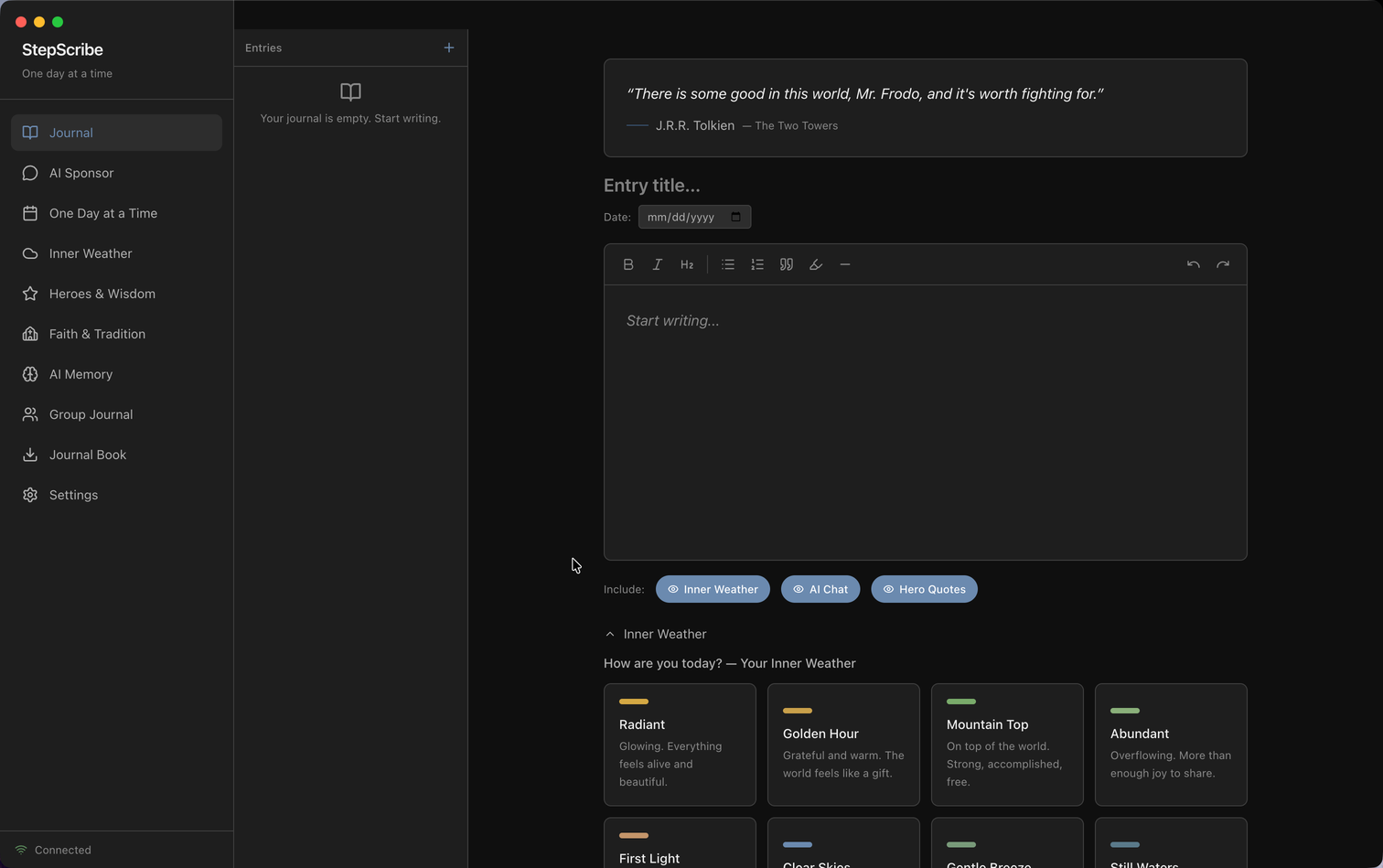
Rich-text journal editor
Write with the formatting you need: headings, lists, highlights, and quotes. Your entries look the way you intend.
Inner Weather
A quick mood check on every entry. Watch patterns emerge over weeks and months. The AI notices when your weather shifts.
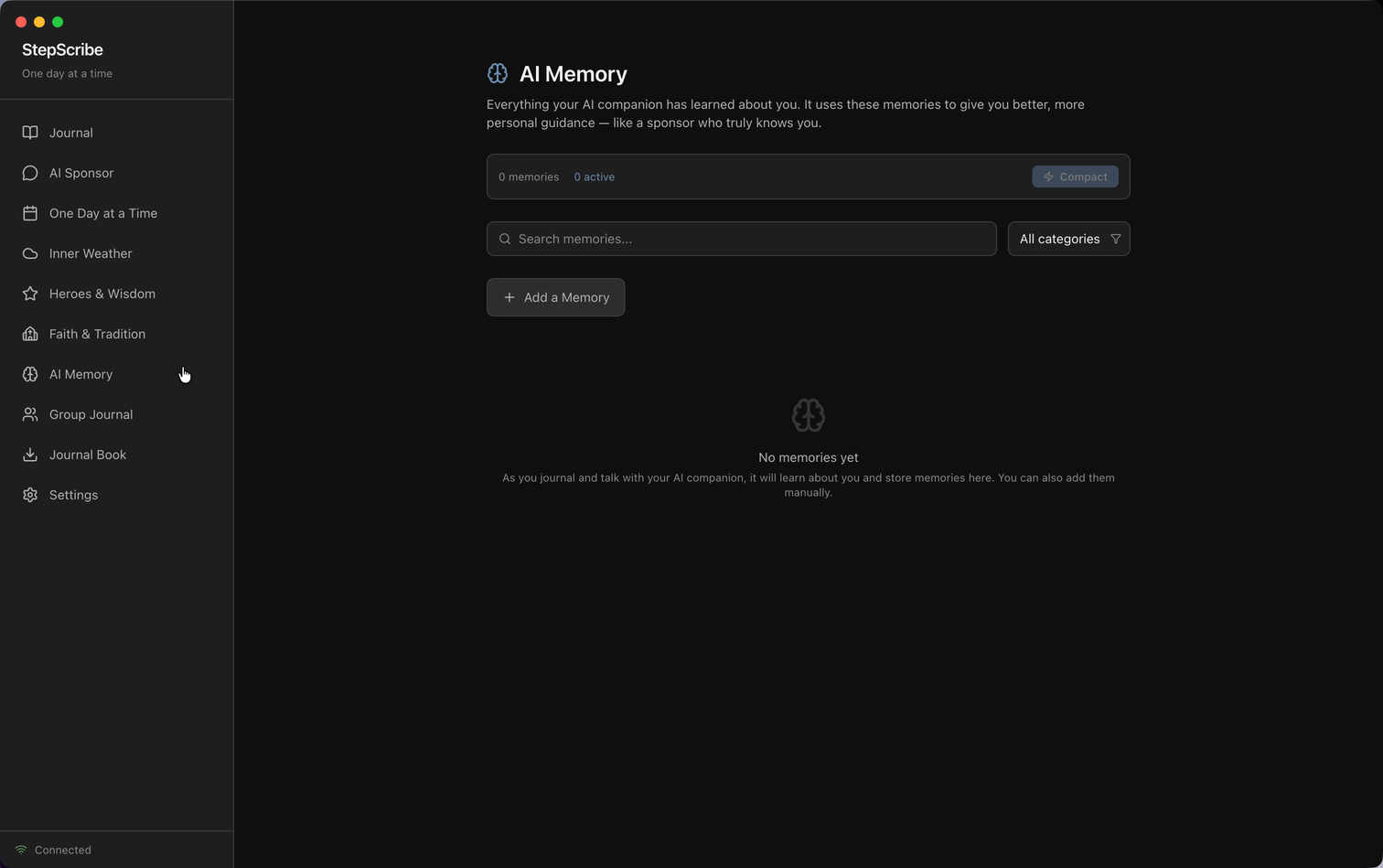
AI sponsor that remembers
Not a chatbot — a companion. It reads your past entries, knows your triggers, your wins, and the people in your life. Conversations build on each other, not reset every session.
Honest, grounded conversations
The AI is trained to respond like a wise friend in recovery — not a therapist, not a cheerleader, not a search engine.
Step-work prompts
Built-in reflection prompts tied to each of the 12 steps. Work through them at your own pace; the AI can scaffold prompts for any question.
Heroes & lineage
Save quotes, stories, and lessons from people who’ve helped you. They become part of the AI’s memory too — it can reference them when you need a reminder.
A journal that feels good to write in
A clean, focused editor with the formatting tools you need — nothing in your way.
An AI that knows your story
No more re-explaining yourself every time you open the app. Your AI sponsor remembers past conversations, references past entries, and grows with you.
Your journal is yours. Period.
StepScribe was built for people in recovery — people whose stories are deeply personal. Privacy isn’t a feature; it’s the foundation.
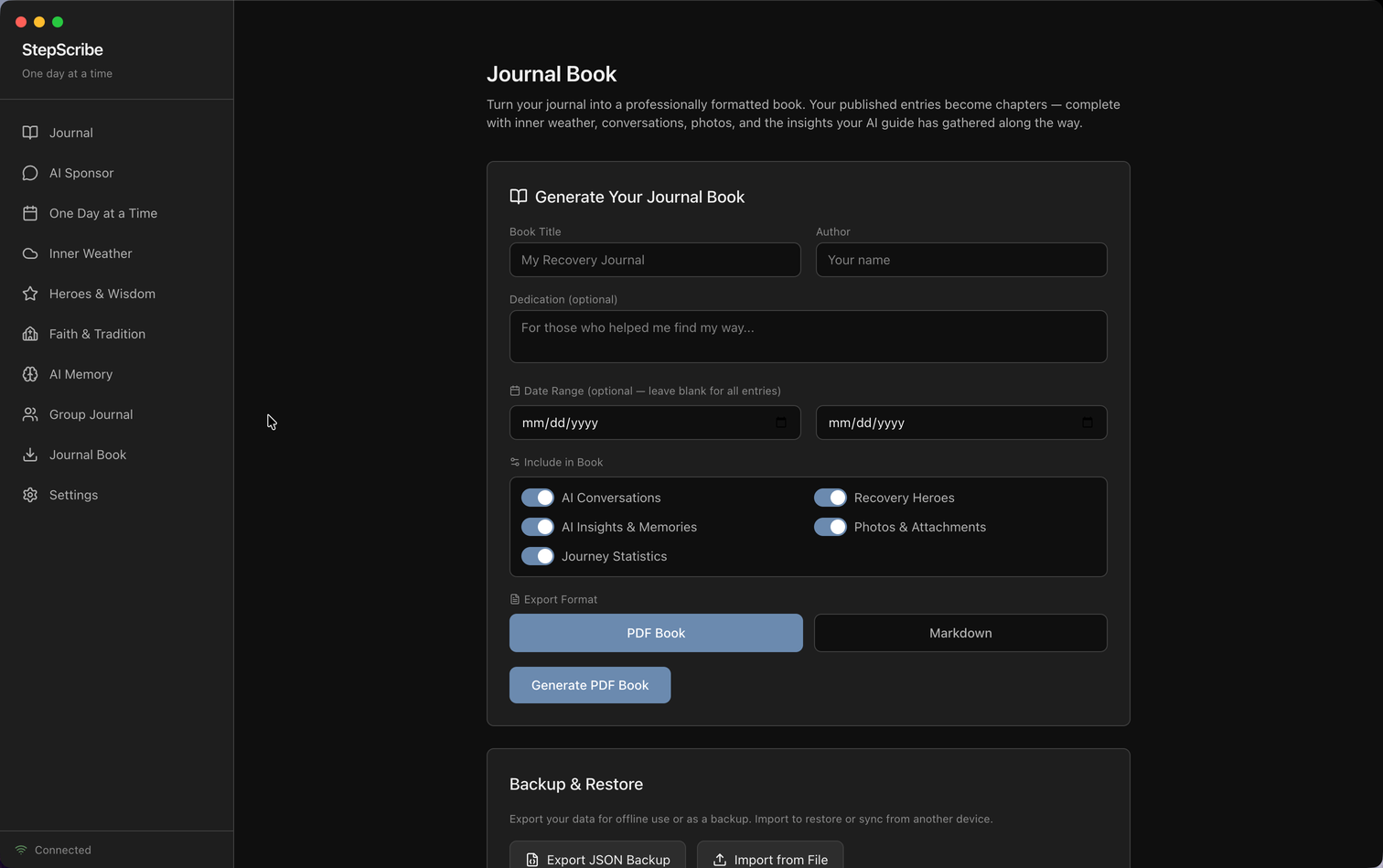
- ✓ Cloud = encrypted at rest. All journal entries use bank-grade encryption (AES). Daily encrypted backups. Even we can’t casually read them.
- ✓ You can leave any time. One-click export. One-click delete. No retention games after deletion.
- ✓ Cancel anytime. No dark patterns. Keep your data until you say otherwise.
- ✓ Want zero cloud? The free desktop app runs 100% locally — no account, no telemetry, open source.
Start journaling free for 7 days
No credit card. No install. Open app.stepscribe.org, create an account, and write your first entry in under a minute.
🆓 Want free, open source, and fully local?
StepScribe Desktop is free forever — GPL-3.0 open source, runs on your machine with Ollama, no account required. Same journaling companion, zero cloud.
Explore the free desktop app →